Insert « @ » in console authentification Linux
The smallest little problems can be the biggest ones. I spent a lot of time figuring out how to insert an ‘@’ into my console mode password on a CentOS. My customer gave me the trick.
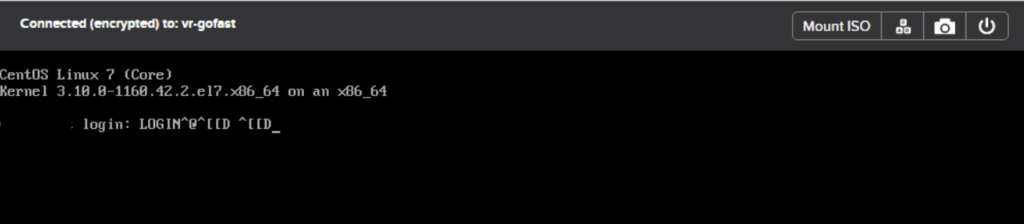
When you enter the standard combinations to insert an ‘@’, it displays « ^@ » and impossible to go back with the arrows, it displays: ^[[D.

The solution is to press the « ALT » + « 6 » + « 4 » keys simultaneously. But if you want to write afterwards, it displays a different sequence of characters: ^[[D …

You must then simultaneously press: « ALT » + « 6 » + « 4 ». and press « ALT » once again to enter again.