Remove snapshots third-backup in protection domain
Before to start ! It is strongly recommended to open an incident ticket with your backup editor or Nutanix support if you encounter the problem, but this procedure may free you from certain situations. We are not responsible for any negative repercussions. It is best to use this procedure for lab purposes.

I have been using Nutanix for several years, and many times I have had snapshots still present when I want to delete a domain protection. It is necessary to make the distinction between local and remote snapshots which must be deleted before deleting a protection domain. Those are native to nutanix data protection. And third-backup snapshots are snapshots created by backup software to back up data.
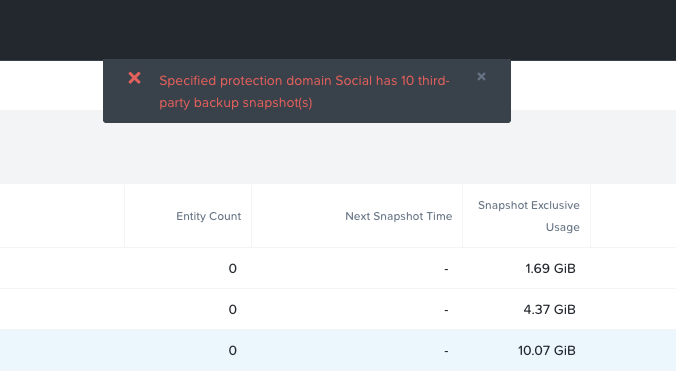
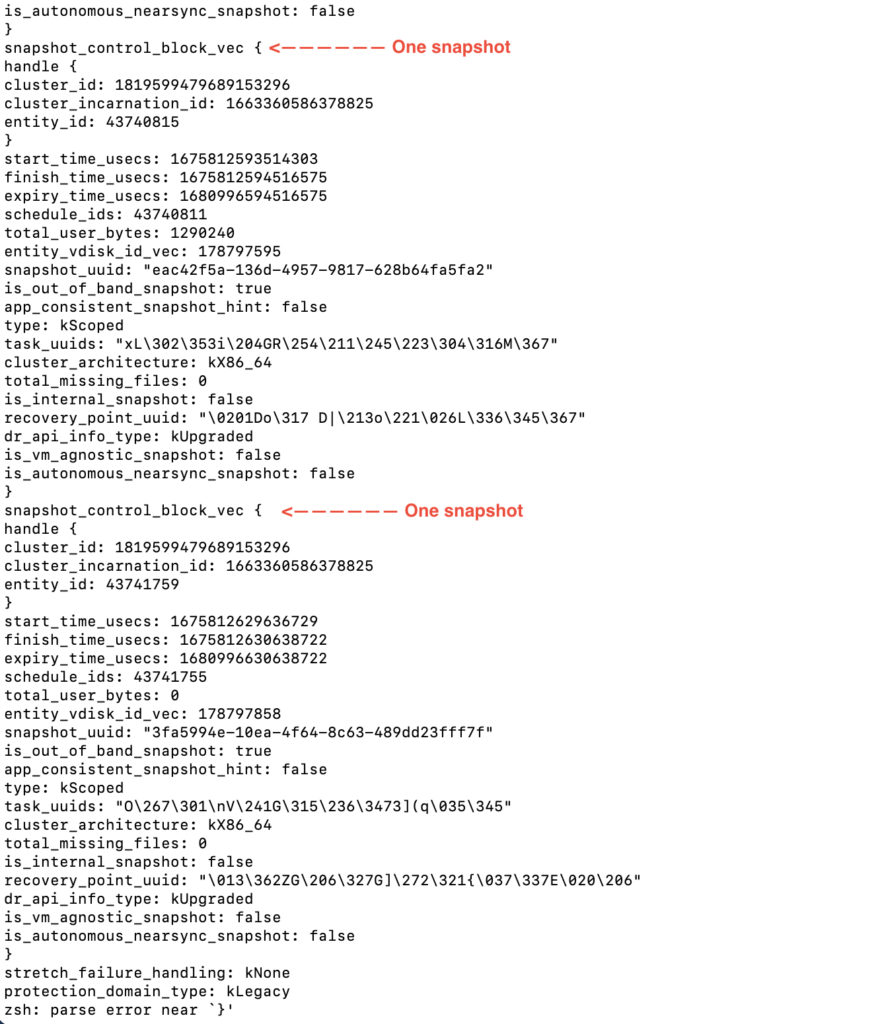
First, make sure the snapshots are present too, usually you count the number of snapshots in cli. You can run this command : cerebro_cli query_protection_domain "NAME OF PROTECTION DOMAIN" list_snapshot_handles="true;scoped"

Download the script.

Run the script with admin user.

Run the script like below to remove snapshots.

You can then manually remove the protection domain.