Reclaim Space and scan Curator
There is a .recycle_bin folder in each container in order to store the stored elements (vdisk, vp, entities, images...). By default the data is purged every 24 hours but when you need to purge this data you will have to follow this procedure.
We have done data migrations by importing vhdx files that take up space. We must therefore free up space to continue the migrations.
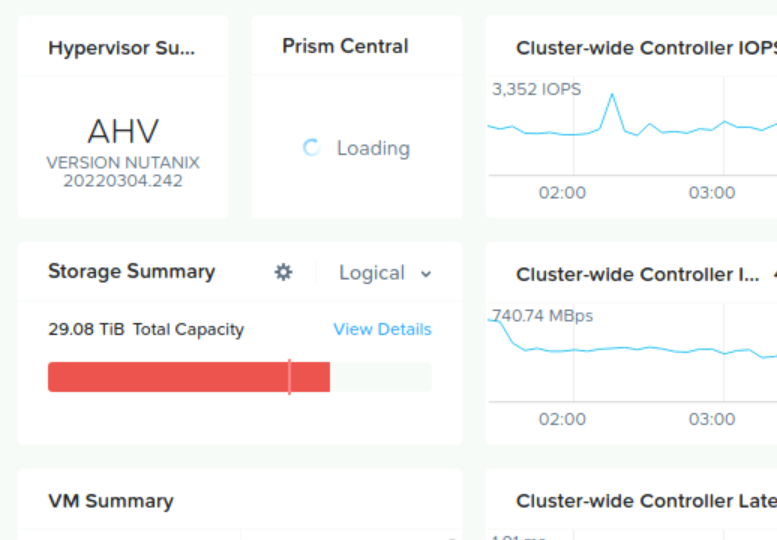
You have two methods to empty the trash, the first is through the web interface which didn’t work for us, and the second in cli through a CVM.
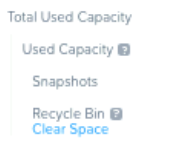

We also had to run a full scan of Curator to refresh the data on prism element and purge some data like :
Information Life Cycle Management (ILM)
Snapshot chain severing
Delete data that was marked to_remove but not deduped
Correct block awareness
Delete or replicate over-replicated or under-replicated data
From a CVM enter this command to display the control task of curato

Select « Start full scan » and click on « Enter »
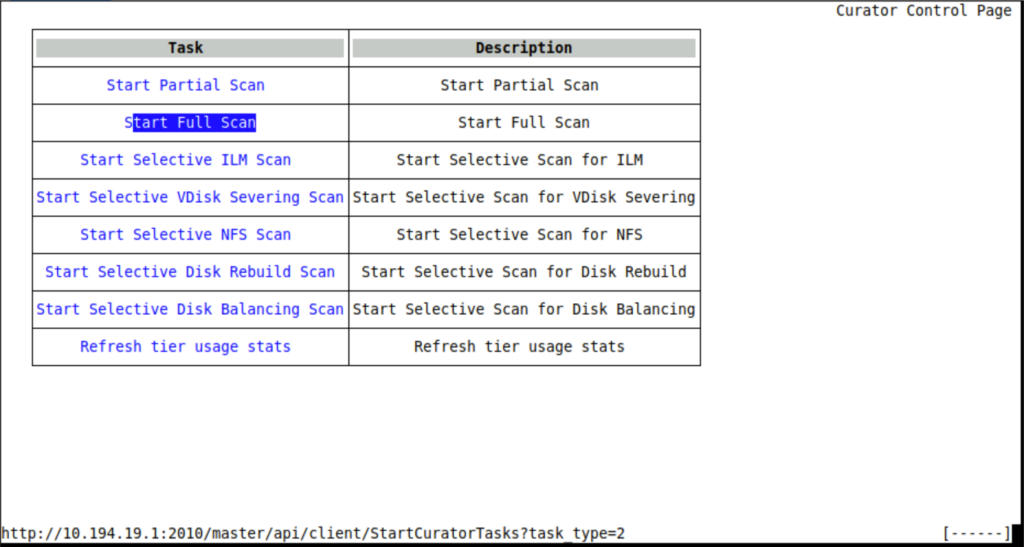
You can show the current task running with : « links http://ip_address_of_cvm:2010 »