Completely disable backplane
After disabling the backplane network, I couldn’t reconfigure it to the same ip range but with a reduced subnet mask. I looked through the nutanix documentation, but at no point did it say to remove the poolname.
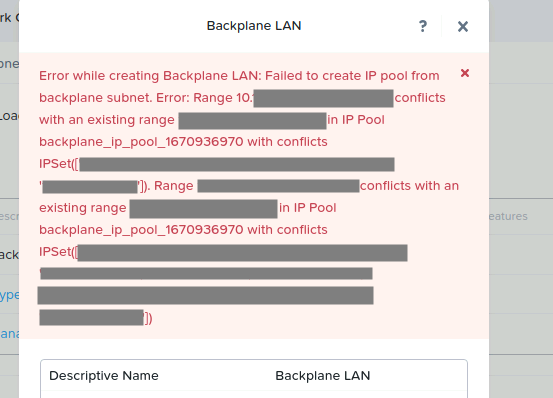
Here is the procedure :
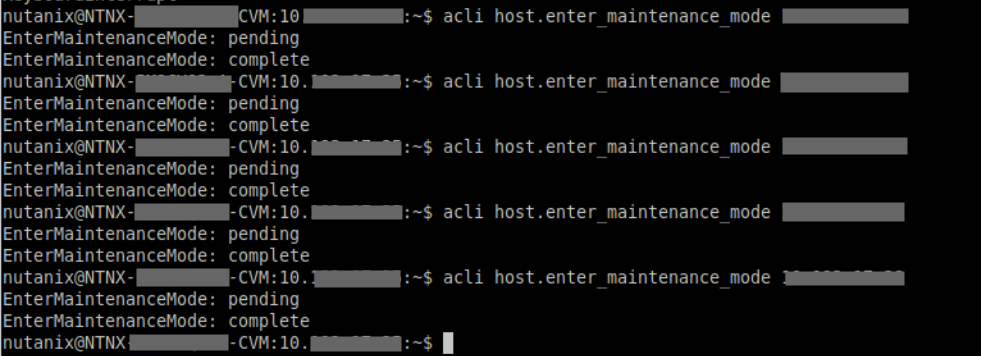
You must first put the hosts in maintenance mode with the command: acli host.enter_maintenance_mode « IP ADDRESS of host »
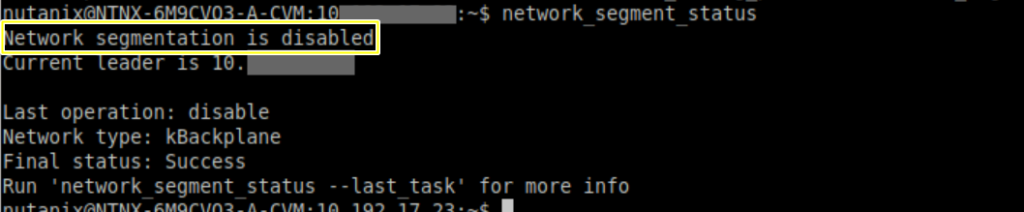
Check that network segmentation is disabled. network_segment_status
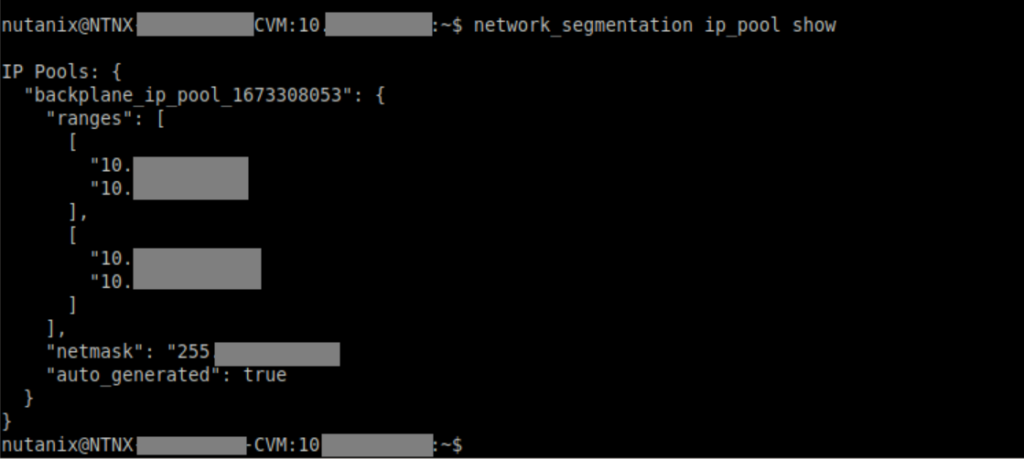
Retrieve the name of the backplane pool.
network_segmentation ip_pool show

Delete the backplane pool with the command: network_segmentation –ip_pool_name= »name of pool » ip_pool delete
You can then reconfigure the backplane properly.