Impossible to edit bonding after expand cluster
Recently, I expanded a cluster but couldn’t configure the uplinks of this node to the vSwitches. I had to click « Skip network configuration » to continue adding the node. I then tried editing the vSwitches via the web interface (Prism Elements), but without success.
My first thought was to disable the vSwitches and modify the bridge via the command line, but this resulted in an error (see below).
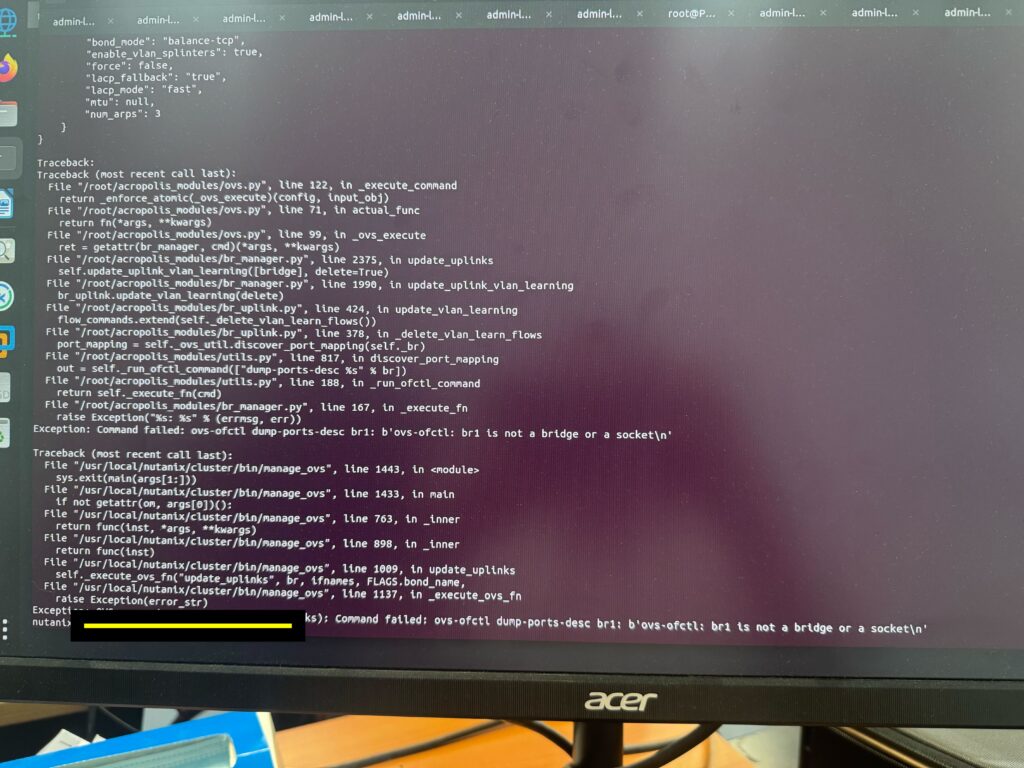
You need to perform some checks; you’ll see that the bridge isn’t created on the host.
Therefore, you need to run the command: manage_ovs --bridge_name brX create_single_bridge
Then disable the vSwitch, modify your bonding, and associate the bridge with the vSwitch.